Sign out and sign in again
Leave safely, then come back with your password and a code from your phone.
Sign out
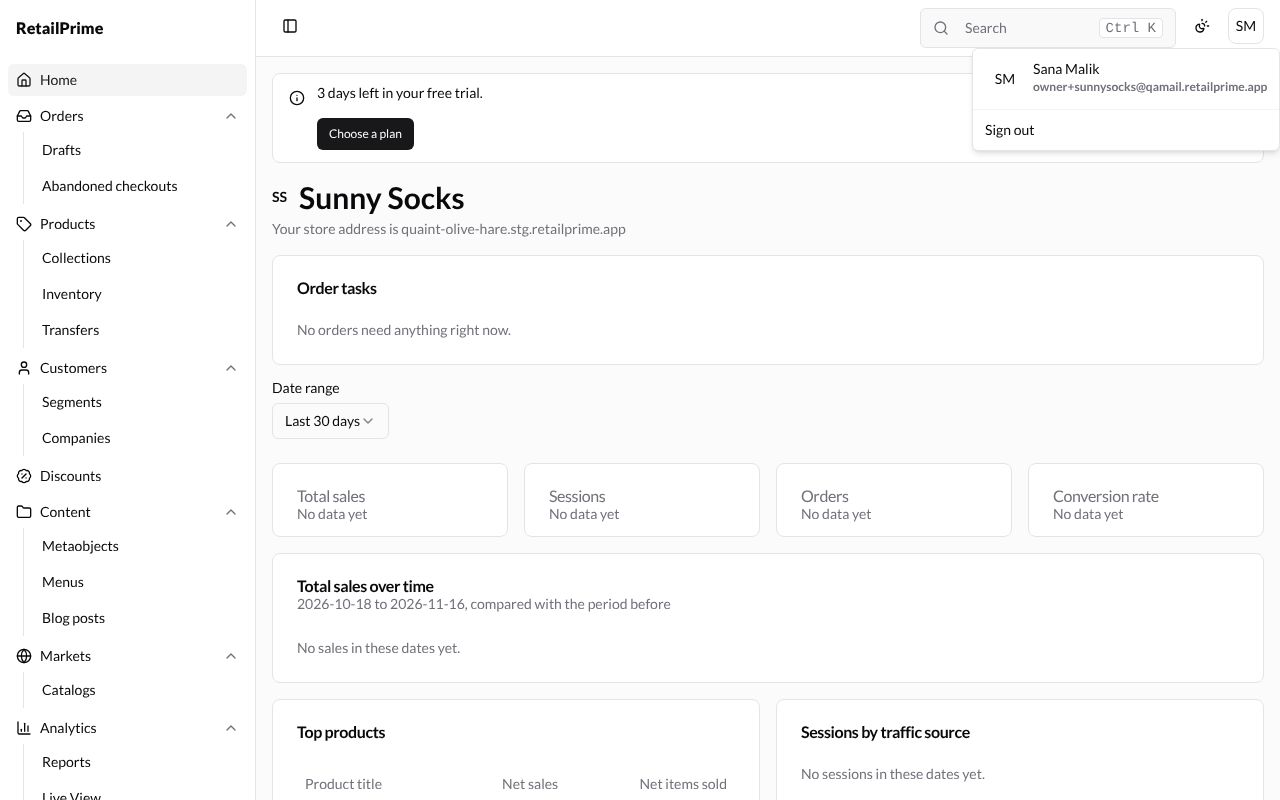
- Press your initials at the top right (here SM).
- The menu shows your name and email. Press Sign out.
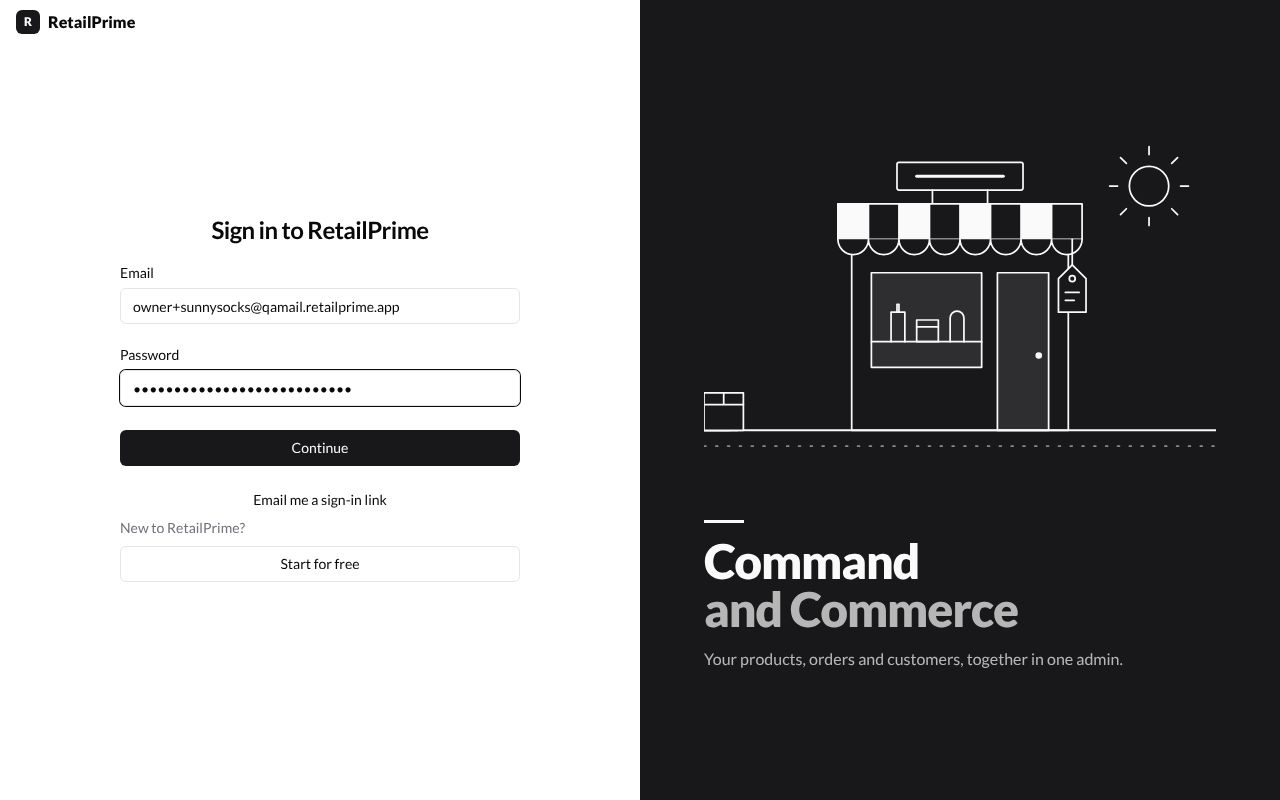
You are back on Sign in to RetailPrime.
Sign in again
- Go to
https://admin.stg.retailprime.app. - Type your Email and Password, then press Continue.
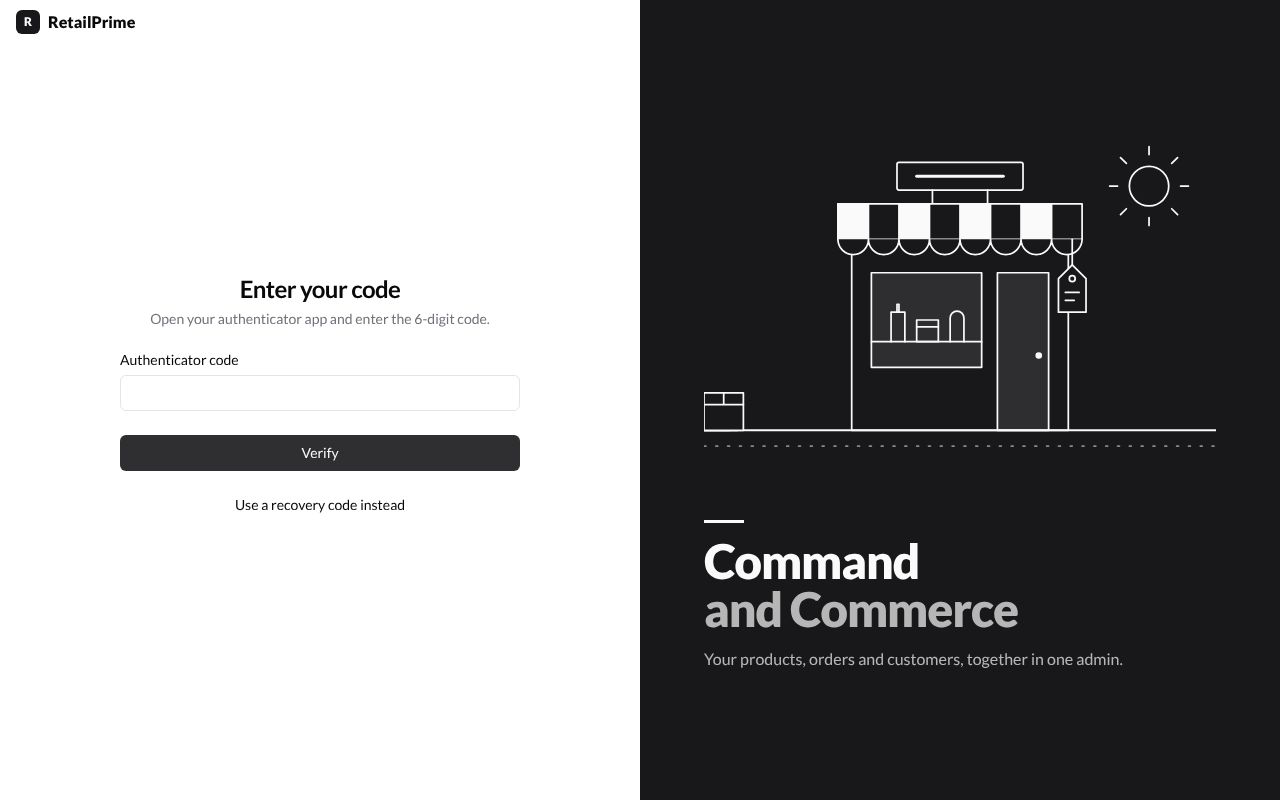
- You see Enter your code. Open your authenticator app and type the 6-digit code it shows for RetailPrime into Authenticator code.
- Press Verify. You land on your store’s Home.